Top 3 gainers
24h| Asset | Price | 24h |
|---|---|---|
| ERACaldera | 0.09180000 USDC | +17.54% |
| TROLLTROLL (SOL) | 0.02992000 USDC | +10.00% |
| XCNOnyxcoin | 0.00358400 USDC | +9.40% |
Price changes between genuine market closes 24 hours apart.
A public view of the crypto market and a clear path to your workspace. What matters, in one place.
Registration is closed. Access is by invitation.
Available stored candles
The current hourly candle may still be forming. Times are UTC.
Selected assets and price context in one clear section.
| Asset | Price | 24h change |
|---|---|---|
| 73,734.17 USDC | +0.54% | |
| 2,055.44 USDC | +0.20% | |
| 998.10 USDC | — | |
| 1.05 USDC | -0.12% |
Prices use the displayed quote currency. Price changes are not account returns.
24h change observed: 2026-11-12 02:15:00 UTC
| Asset | Price | 24h |
|---|---|---|
| ERACaldera | 0.09180000 USDC | +17.54% |
| TROLLTROLL (SOL) | 0.02992000 USDC | +10.00% |
| XCNOnyxcoin | 0.00358400 USDC | +9.40% |
Price changes between genuine market closes 24 hours apart.
| Asset | Price | 24h |
|---|---|---|
| PEPEPepe | 0.00000455 USDC | -16.05% |
| FORTForta | 0.02196200 USDC | -15.06% |
| MEGAMegaETH | 0.04386000 USDC | -12.73% |
Price changes between genuine market closes 24 hours apart.
The sentiment snapshot is delayed.
A market indicator, not account performance.
OHLC Bot connects market context with a clear workspace.
Prices and movements of selected assets in context. Without information overload.
Connected information and a clear hierarchy. On a large monitor and on mobile.
A Dashboard for approved accounts. Personal information stays in the signed-in area.
Explore the tools available to an ordinary account: a market overview, your balance and personal preferences.
Registration is currently closed. This preview does not create an account or enable trading.
Example data — no real account
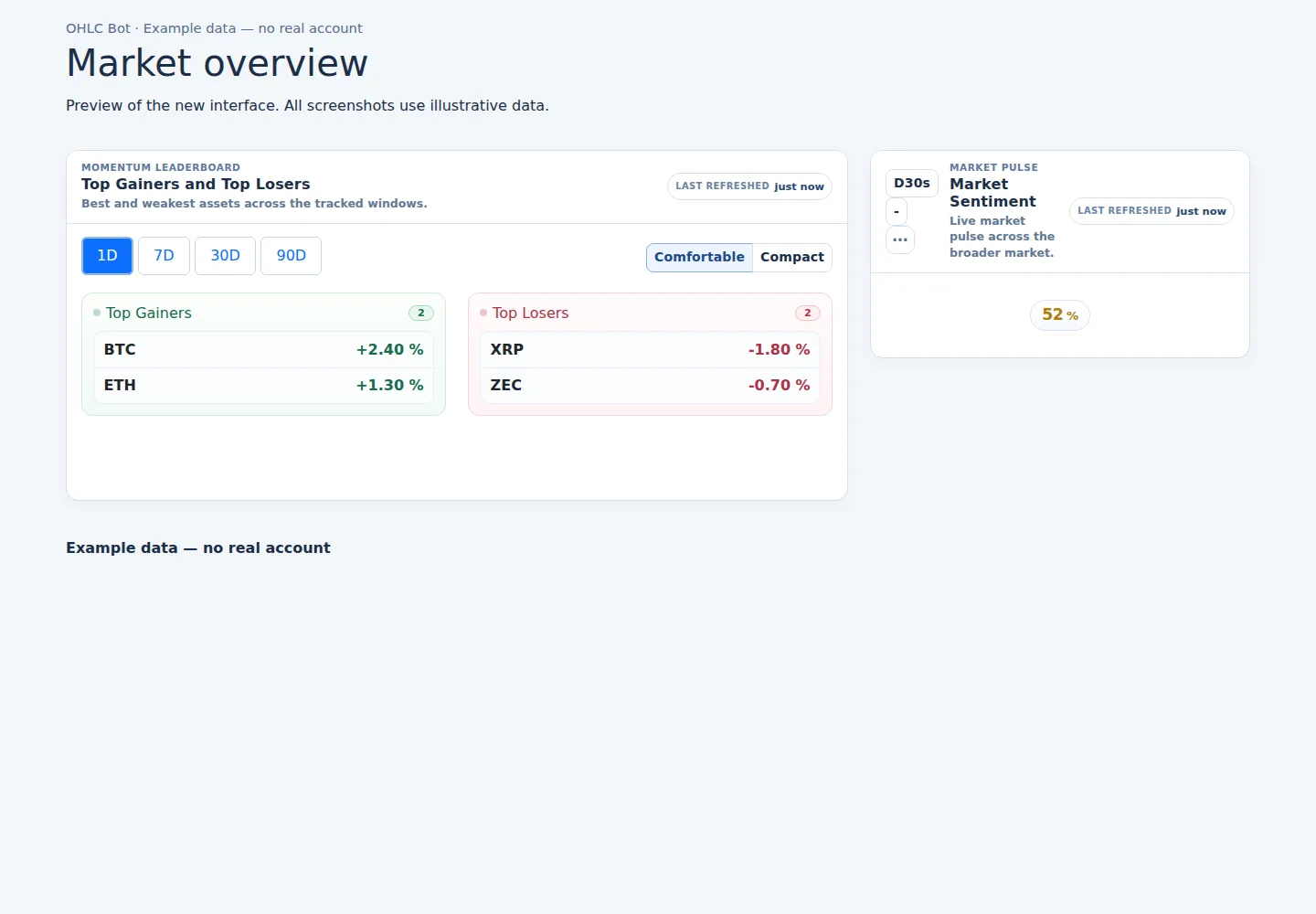
Light appearance
Dark appearance
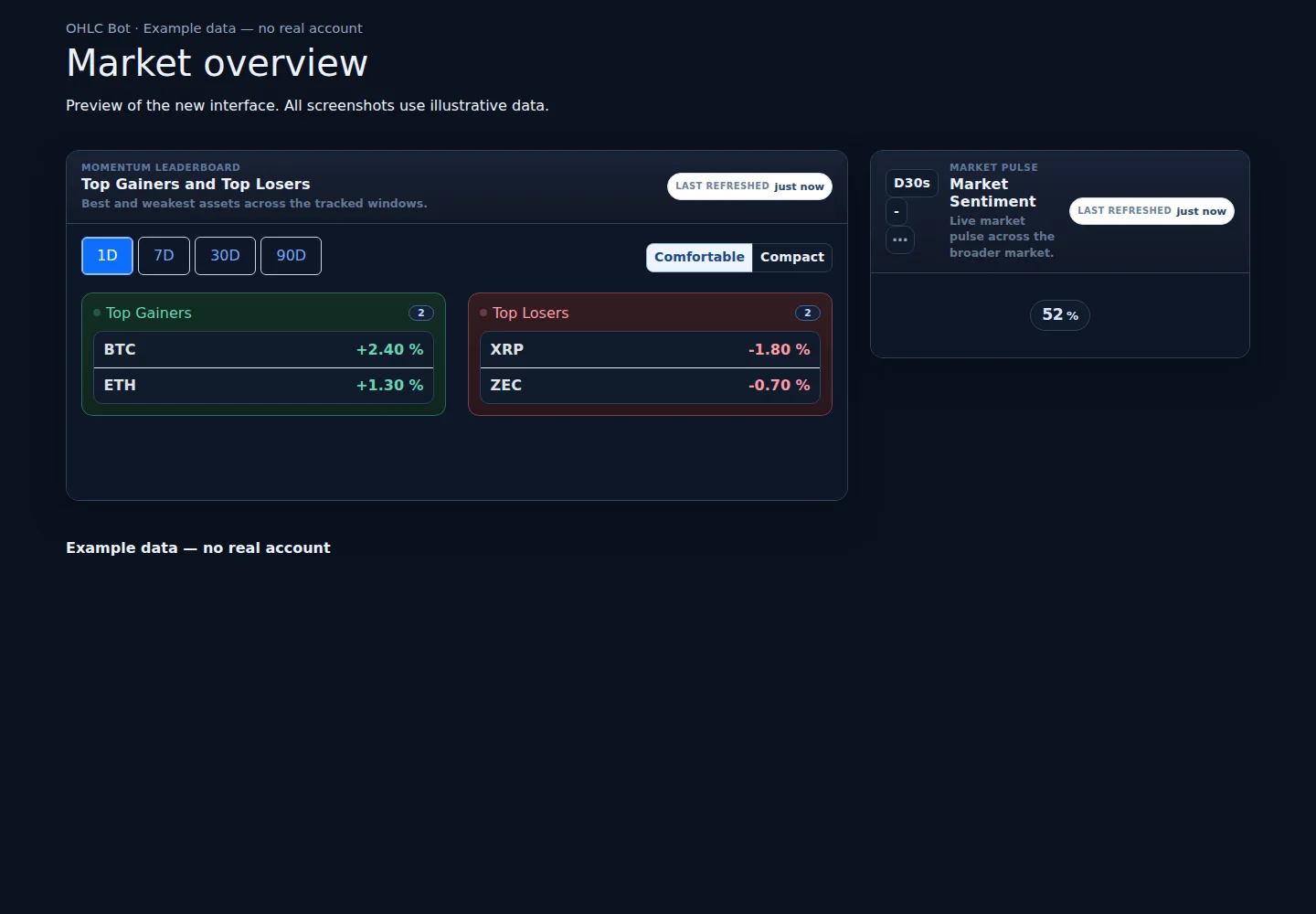
Preview of the new interface. All screenshots use illustrative data.
What you can do with an existing approved account.
Registration is currently closed. Sign-in is available to existing approved accounts.
Public market information, standard OHLC candles and project updates. Account information stays private.
A market overview with price charts, asset movements and your permitted portfolio information in one place.
You can adjust the available layout, table density and Dashboard preferences to make the overview easier to read.
Your Balance page shows your own account balance and movement history. Other accounts remain private.
Your own order and trade history is available when the relevant account access is enabled. Trading access is currently off.
Choose your language, time zone, light or dark appearance, table readability and preferred Dashboard layout.
My Account lets you manage your profile, password, active sessions and remembered devices. Keep authentication and recovery codes private.
The responsive website works on phone screens. See Release Notes for information about published Android app releases.
No. Account balances, orders, trades and personal information belong in the signed-in area and follow your access permissions.
No. A market signal is different from a confirmed order or fill. Trading is currently off, and having an account does not activate it.
No. Market prices describe the market, not the performance of an account. Crypto markets are volatile.
For existing approved accounts. Registration remains closed.