A look inside OHLC Bot
Explore the tools available to an ordinary account: a market overview, your balance and personal preferences.
Registration is currently closed. This preview does not create an account or enable trading.
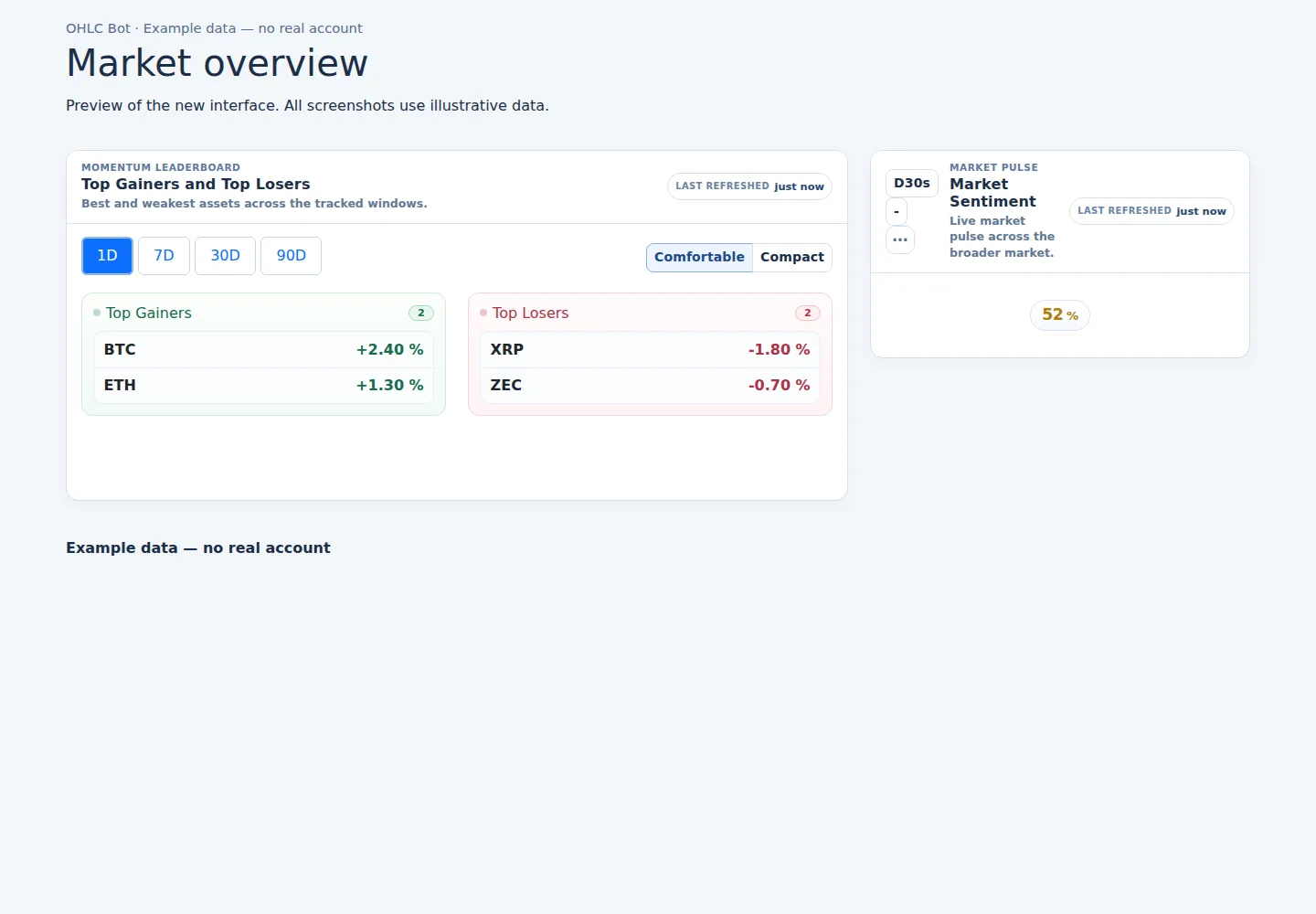
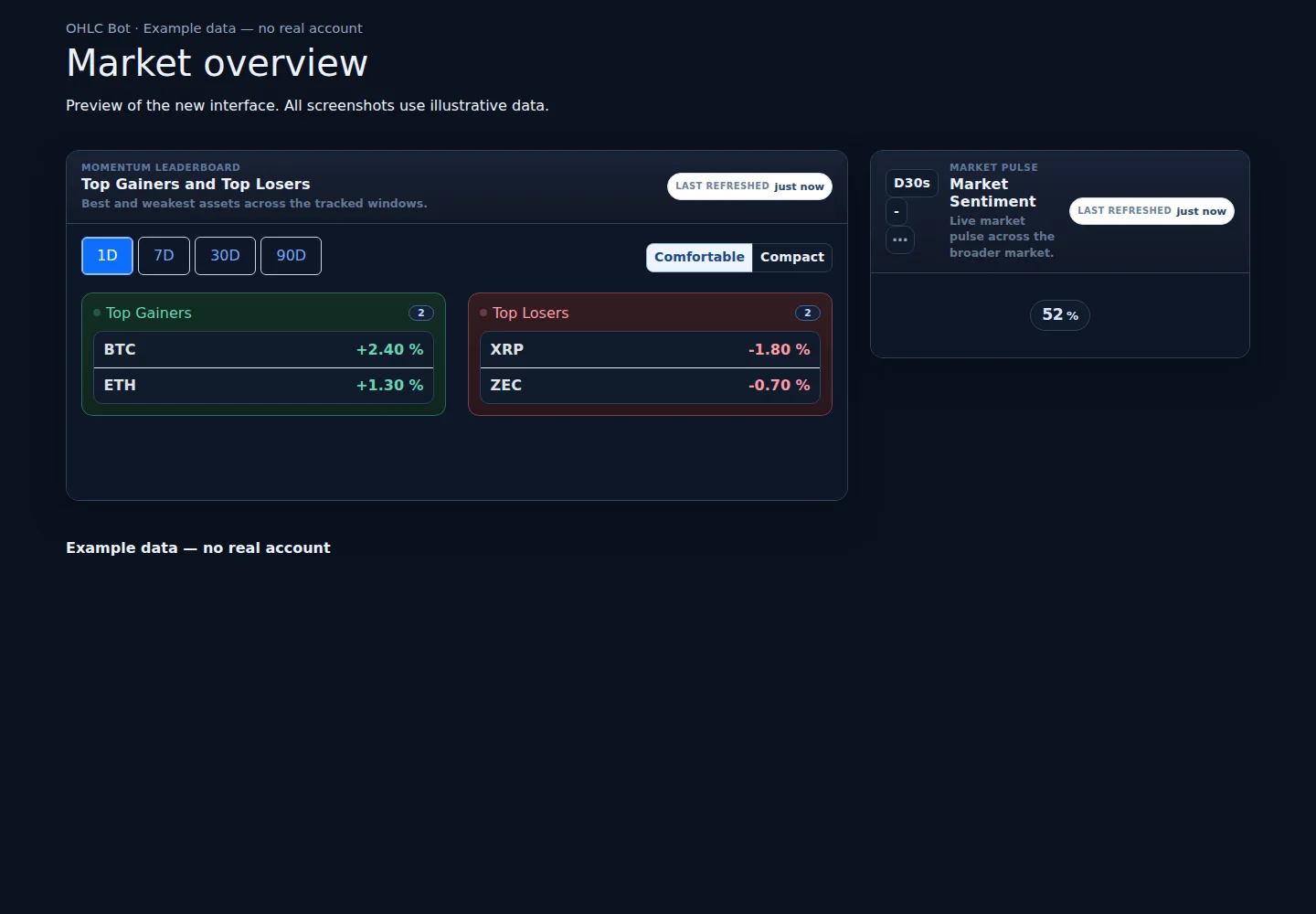
Market overview
Example data — no real account
Light appearance
Dark appearance
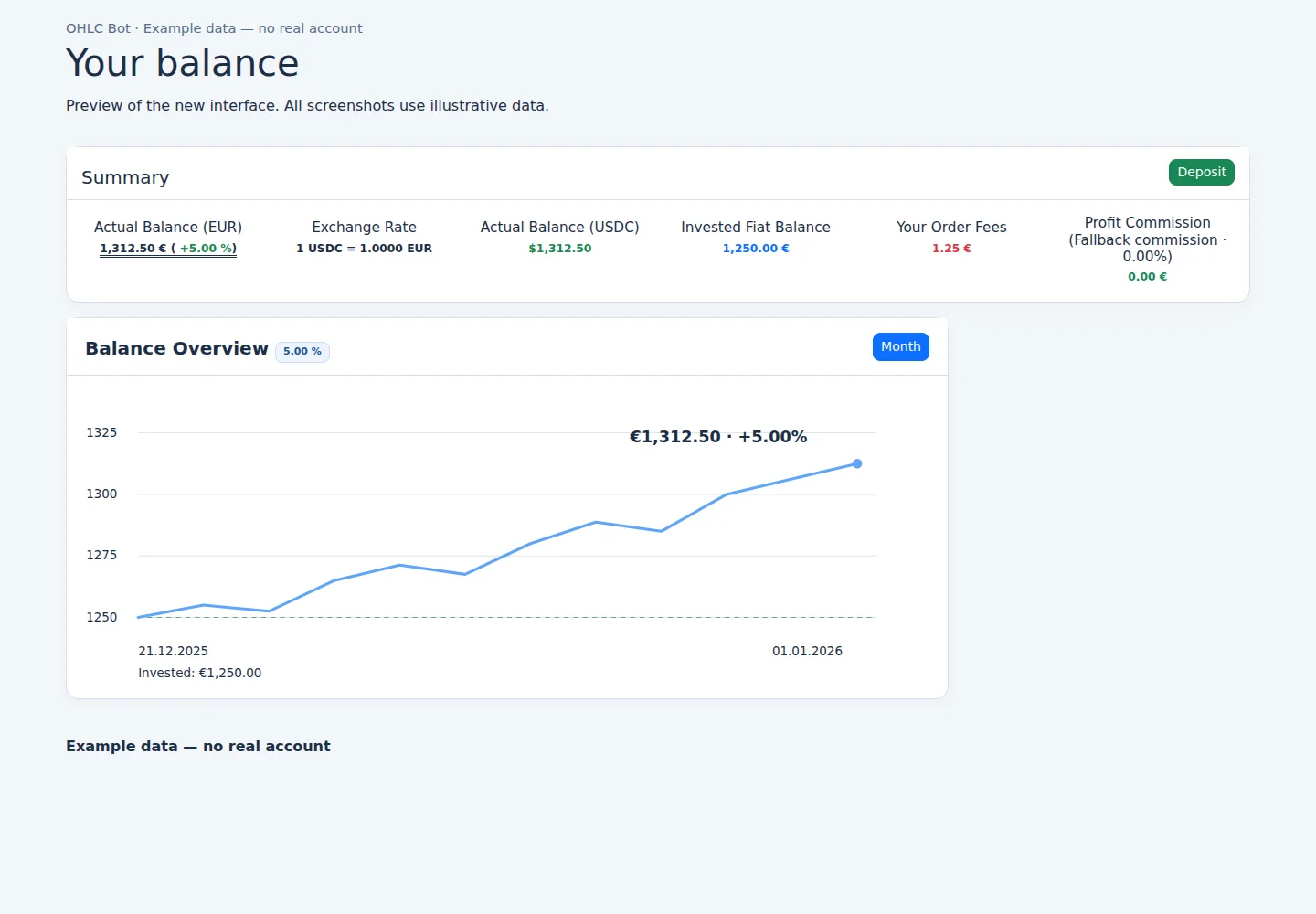
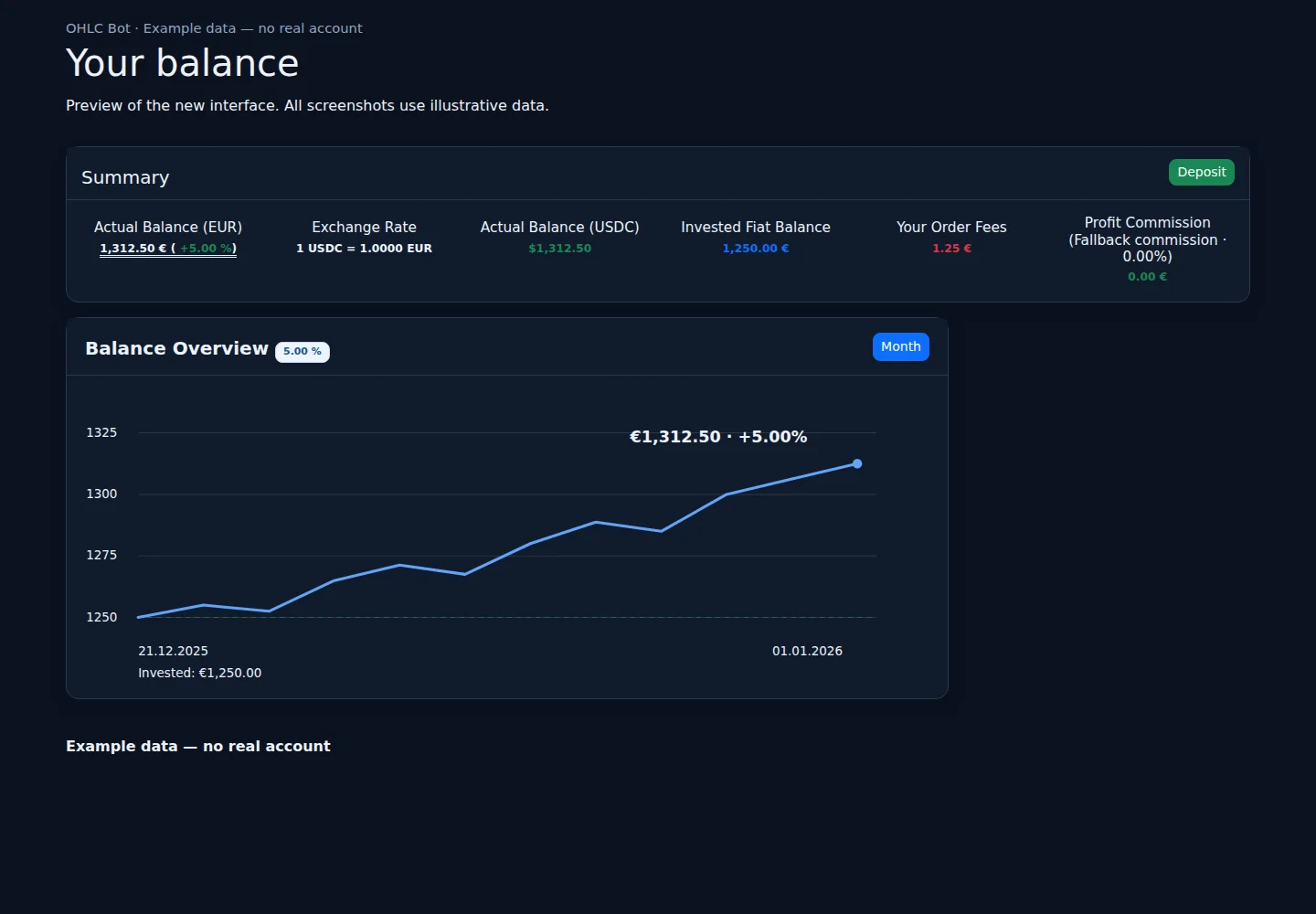
Your balance
Example data — no real account
Light appearance
Dark appearance
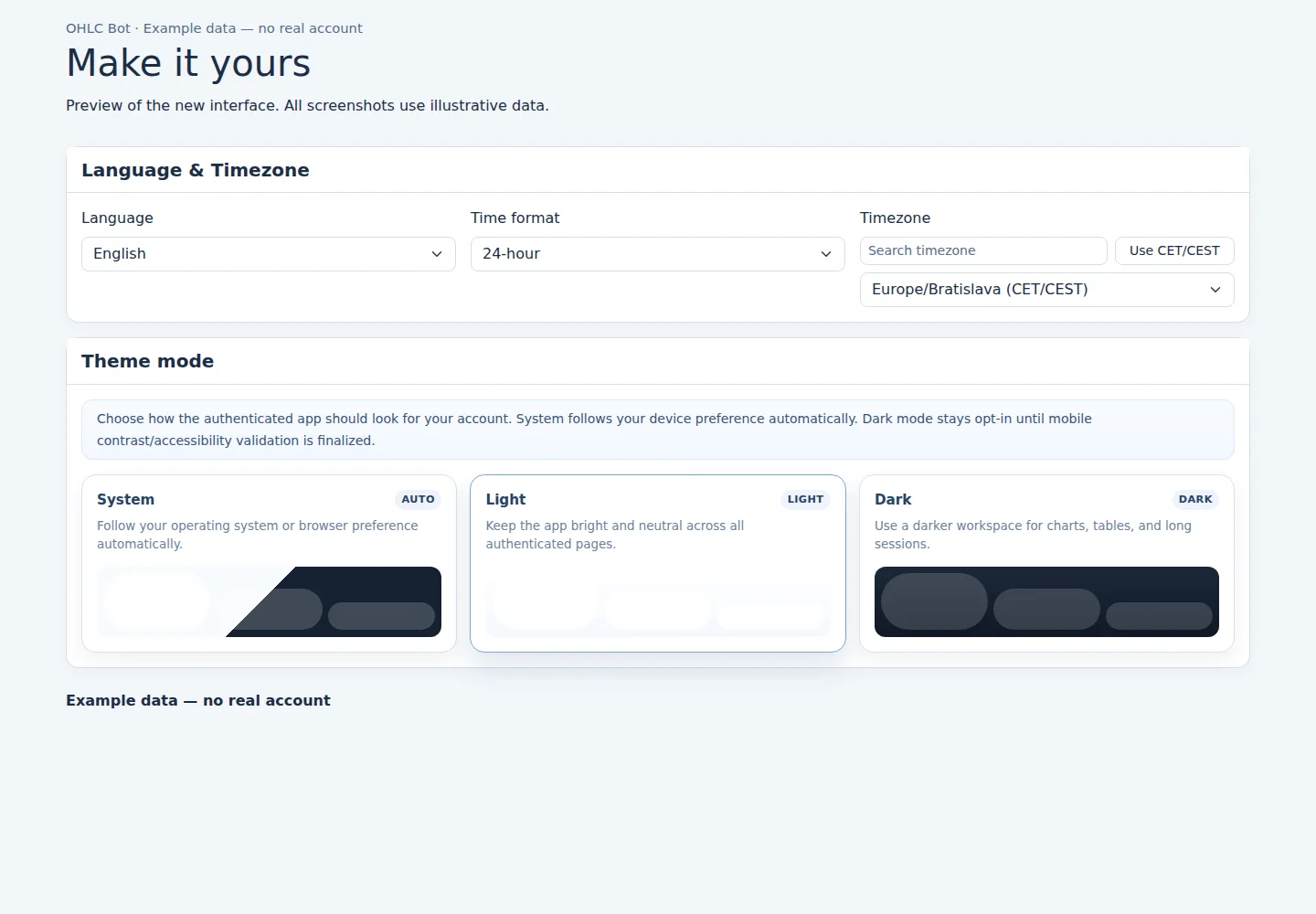
Make it yours
Example data — no real account
Light appearance
Dark appearance
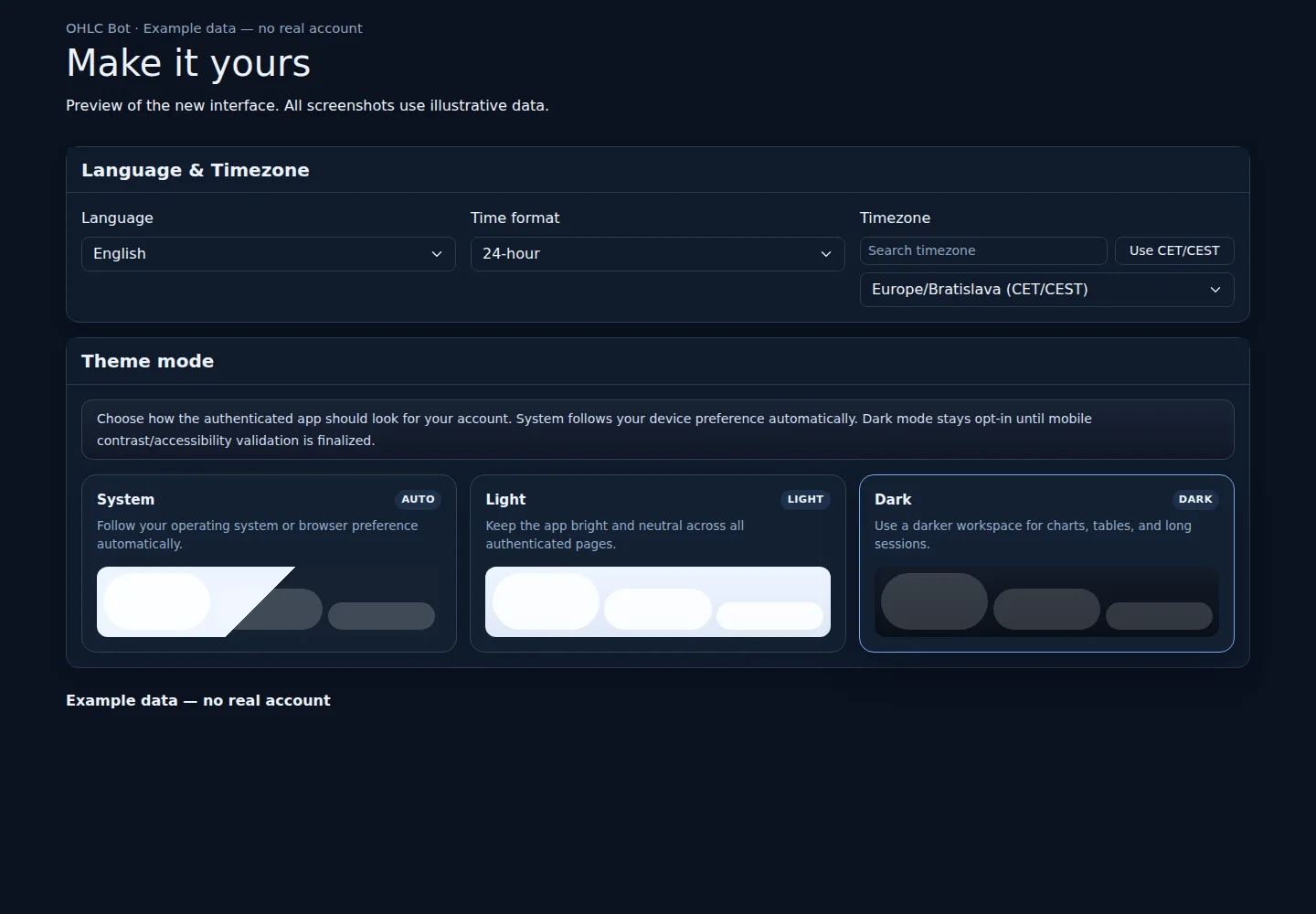
Preview of the new interface. All screenshots use illustrative data.
What you can do with an account
Market overview
Follow market charts and movements, then arrange your dashboard to suit the way you work.
- Read market charts and compare tracked market movements.
- Customize the arrangement, density and visibility of available widgets.
- Use favorites and keyboard shortcuts to move around your workspace.
Your balance
Review your own account balance and movement history in one place.
- See your own balance and account movements.
- Review your own order and trade history when account access to these pages is enabled.
- Keep recorded activity separate from market signals: a signal is not an executed trade.
Make it yours
Choose your language, time zone, theme, table readability and default dashboard preferences.
- Set your preferred language, time zone, appearance and table readability.
- Manage your profile, password and signed-in devices.
- Read and organize your personal in-app notifications.
Access and availability
The examples show ordinary account features. Order and trade pages remain subject to their existing access settings. Live trading is disabled, and push notifications are not yet available.
Figures, prices, balances and activity in these images are fictional examples. They are not live market data or performance results.